Structured data, written out for you
What structured data actually does
A page tells a reader what it is by looking like it. A machine doesn’t get that. Structured data is a block of JSON in the head that says it outright: this is an organisation, here’s its name, here’s where it is, here’s who wrote the article and when.
That’s the mechanism behind a lot of what you see in results — the FAQ rows that unfold, the recipe times, the business details in the sidebar. It doesn’t make a page rank. It makes a page legible, which is a different thing and an increasingly useful one.
Pick a type, fill in what you know, copy the block out. Six types, covering most of what a small site needs.
No type chosen yet. Pick one and the fields for it appear.
Before you paste it in
One rule breaks more markup than everything else combined: the structured data has to describe what’s visibly on the page. If you mark up four FAQ questions and only two of them appear in the text, you haven’t described the page, you’ve described a page you’d like to have. That’s the category of mistake that gets markup ignored across a whole site rather than corrected on one URL.
Put each block in the head of the specific page it’s about. One Organization block on the homepage, one Article block per article. Copying the same LocalBusiness block onto all forty pages is common and mostly harmless, but it isn’t doing anything the homepage block wasn’t already doing.
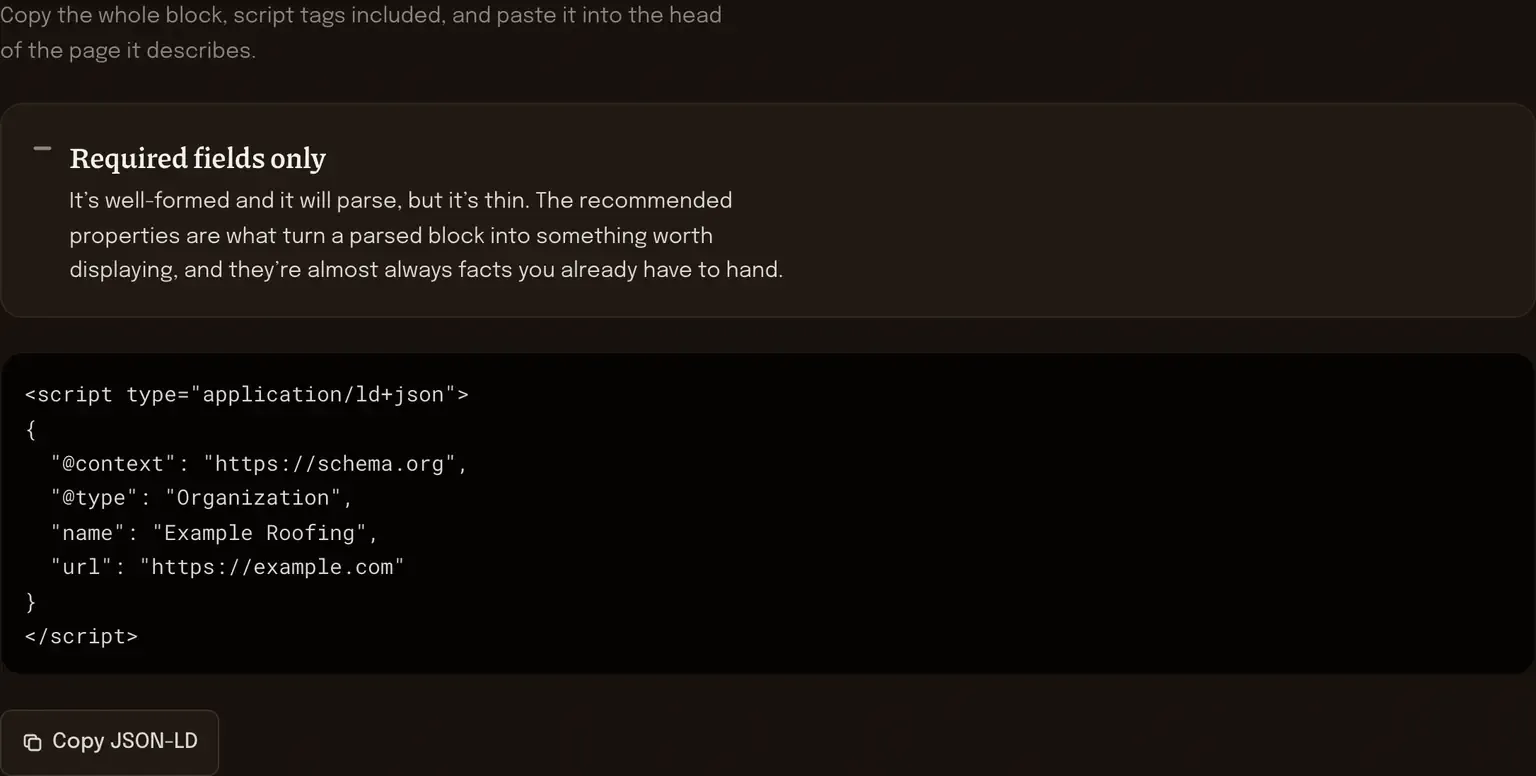
A “required fields only” reading is worth going back for. On an Article, the required set is roughly the headline and the dates; the recommended set includes the author and the image, and those are the properties that make a result look like something a person wrote. You have them. They’re just not typed in yet.
Once it’s live, check it with Google’s Rich Results Test or the Schema.org validator. This builds a correctly-shaped block out of what you typed, but it can’t see your live page, so it can’t tell you whether the block and the page agree with each other. That’s the check that actually matters and it takes about a minute.
And if the same block has to go on two hundred pages, hand-copying is the wrong answer. That belongs in the template, generated once from data you already hold.
The block is assembled here in this tab, out of what you typed, by JavaScript that loaded with the page. Your business details and your article headlines aren’t submitted anywhere, aren’t stored, and aren’t sitting in a log on my side. Close the tab and the fields are gone with it, so copy the output before you do.
The two next to it
[ four checks ]
AI readiness checker
Structured data tells a machine what the page is. This checks whether the page’s own words say the same thing.
[ found / missing ]
Meta tag and Open Graph preview
Paste your head markup in and it lists what’s already there, including any JSON-LD you’d forgotten about.
Markup is the easy half
Getting the JSON right takes minutes. Deciding which pages deserve which type, and making the text underneath match what the markup claims, is the part that takes judgement — that’s AI & Content Visibility. Technical SEO basics covers where structured data sits among everything else.