Free tools that run in your own tab
Six tools. All free, all finished, none of them a trial version of something better. There’s no signup, no email box, no account and nothing to upload.
They all work the same way. You paste in text, markup or a value, and the tool reads it on the spot. The work happens in JavaScript inside the tab you already have open, which is why nothing you type is sent to a server — there’s nowhere for it to go.

The six
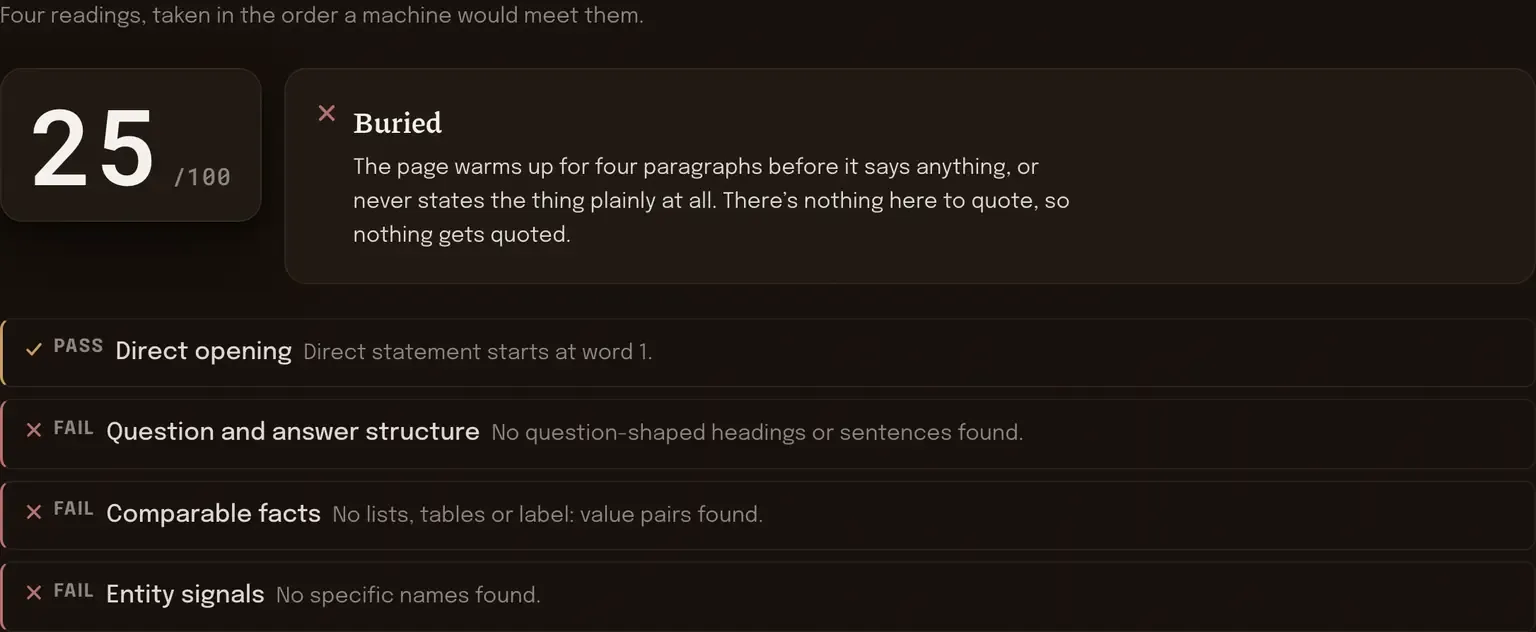
AI readiness checker
Paste a page’s text and see whether a machine can lift an answer out of it: direct opening, question-and-answer structure, comparable facts, entity signals.
[ four checks ]
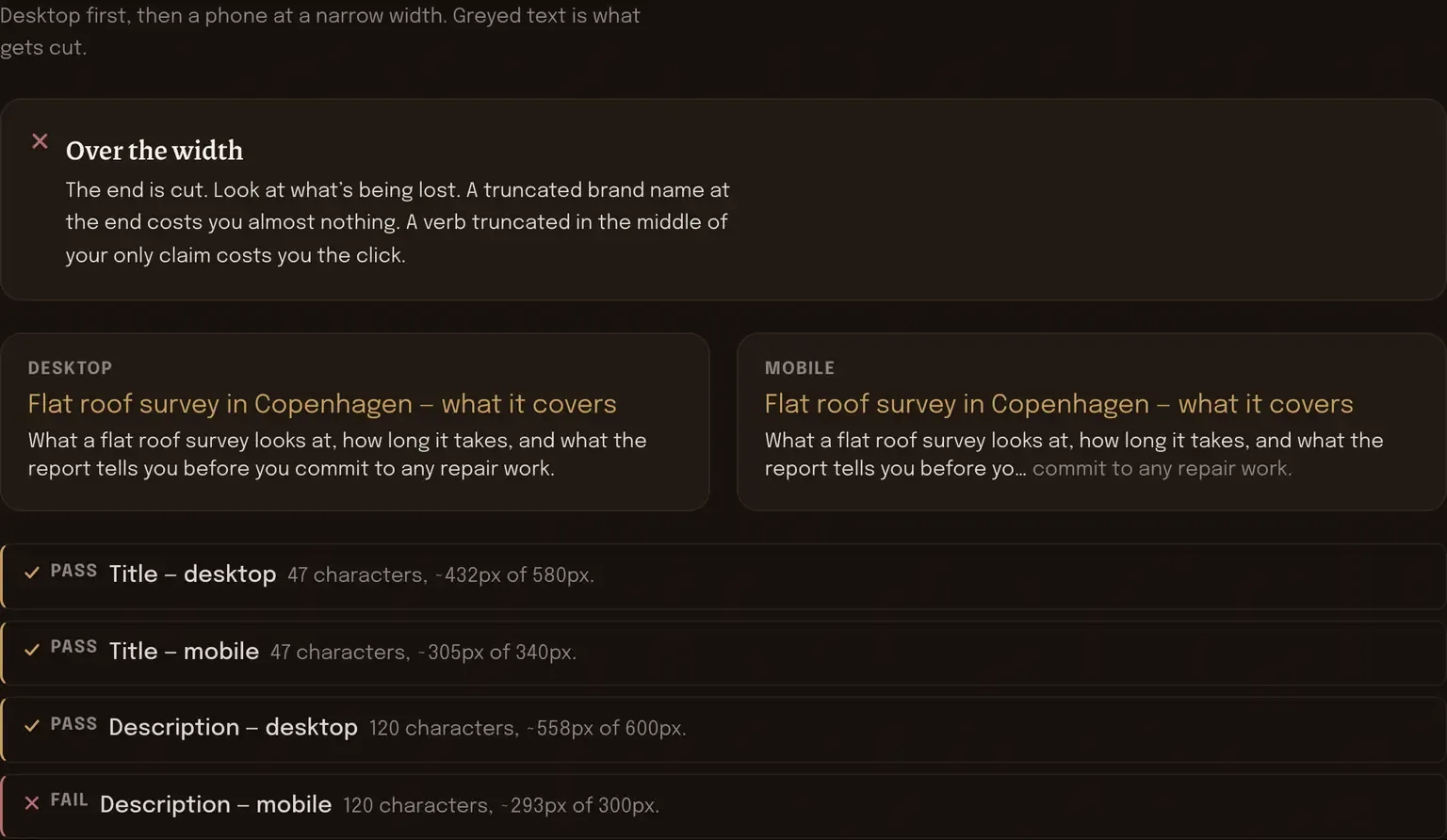
SERP snippet preview
Type a title and a description, then watch where the cut falls on a desktop and on a phone. Character count and measured pixel width, both.
[ chars + pixels ]
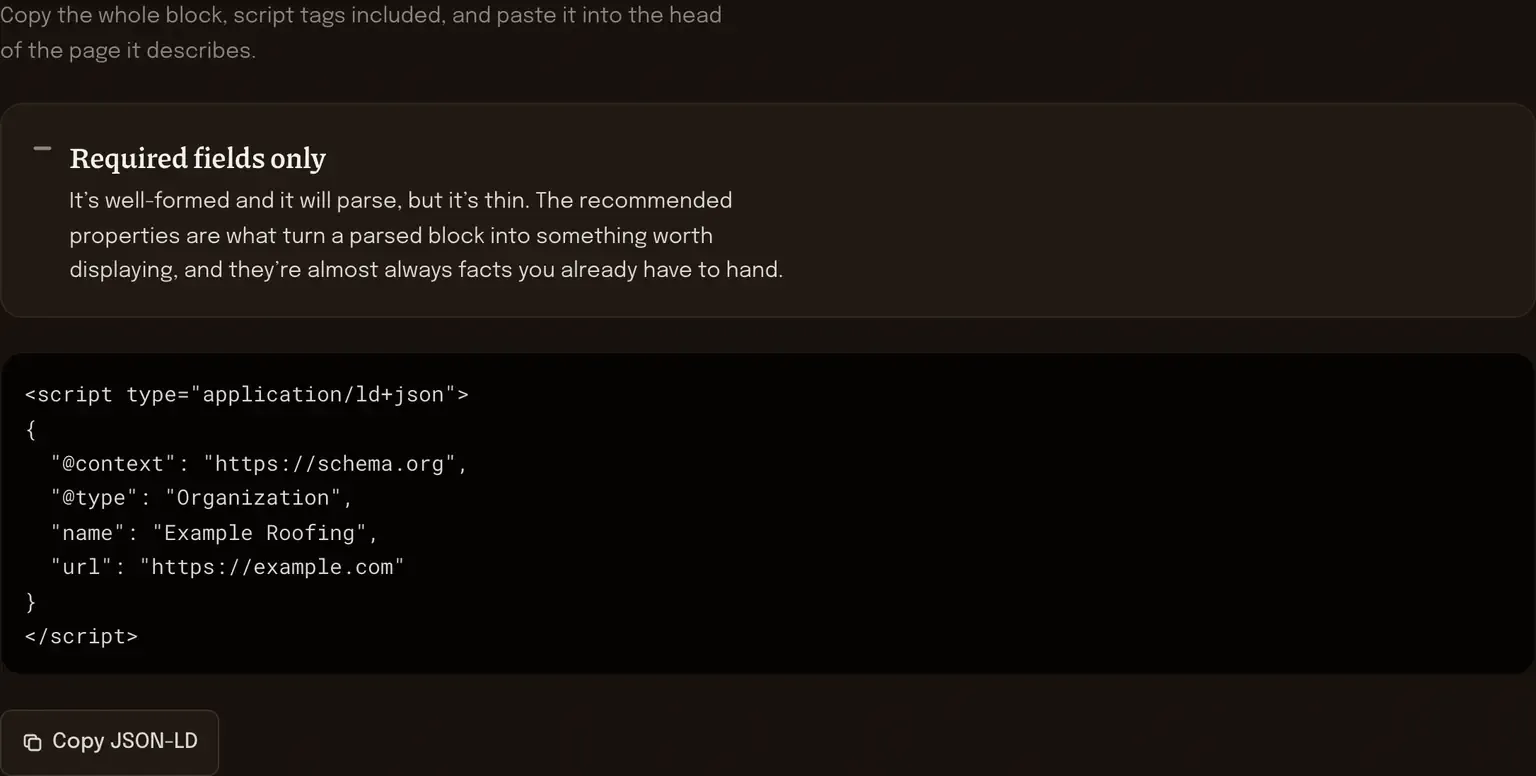
Schema generator
Fill in the fields, get JSON-LD you can paste into your head tag. Organization, LocalBusiness, Article, FAQ, HowTo and Product.
[ JSON-LD out ]
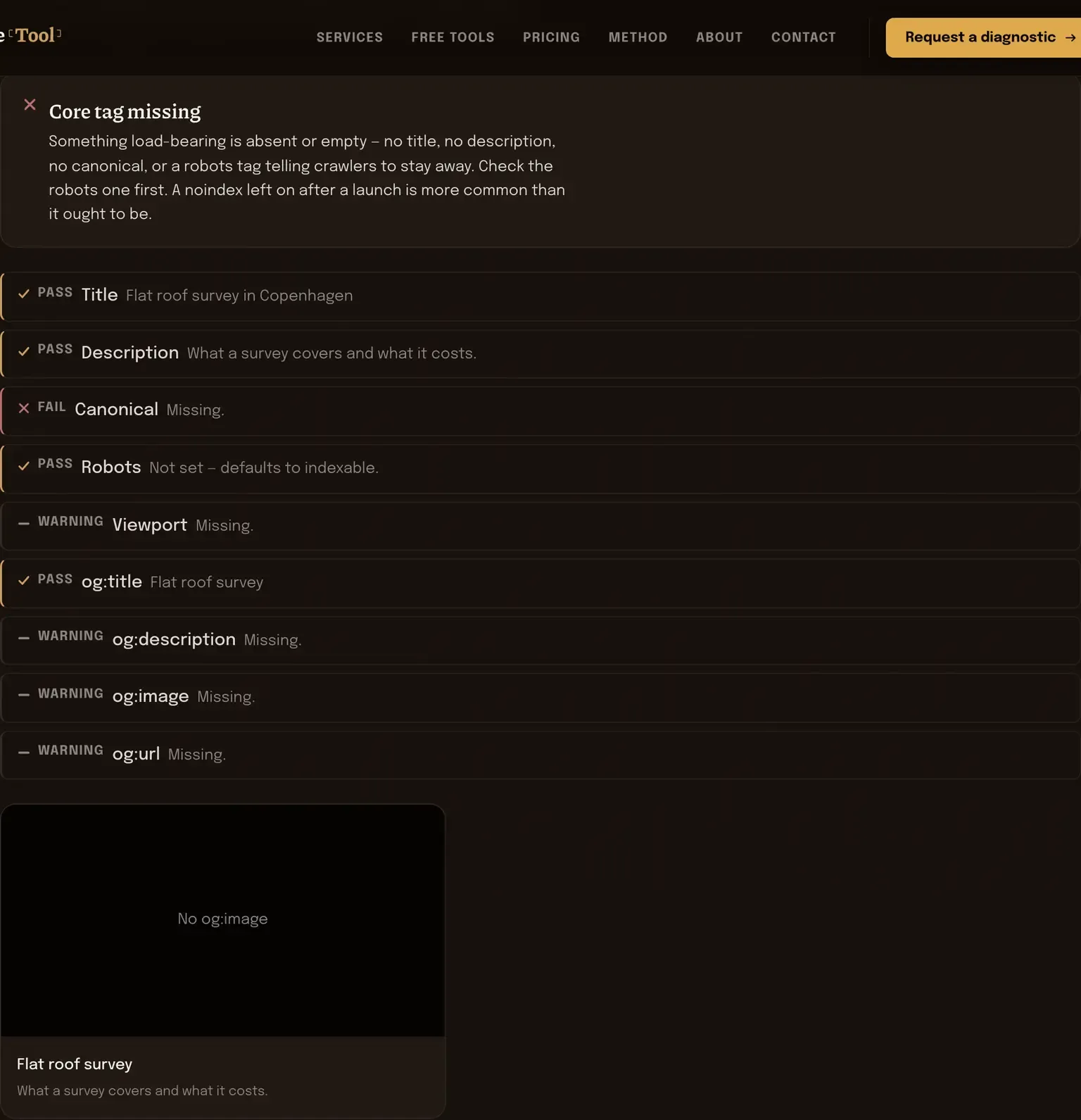
Meta tag and Open Graph preview
Paste your head markup, or fill the fields by hand. It lists the tags it found, names the ones that aren’t there, and draws the share card.
[ found / missing ]
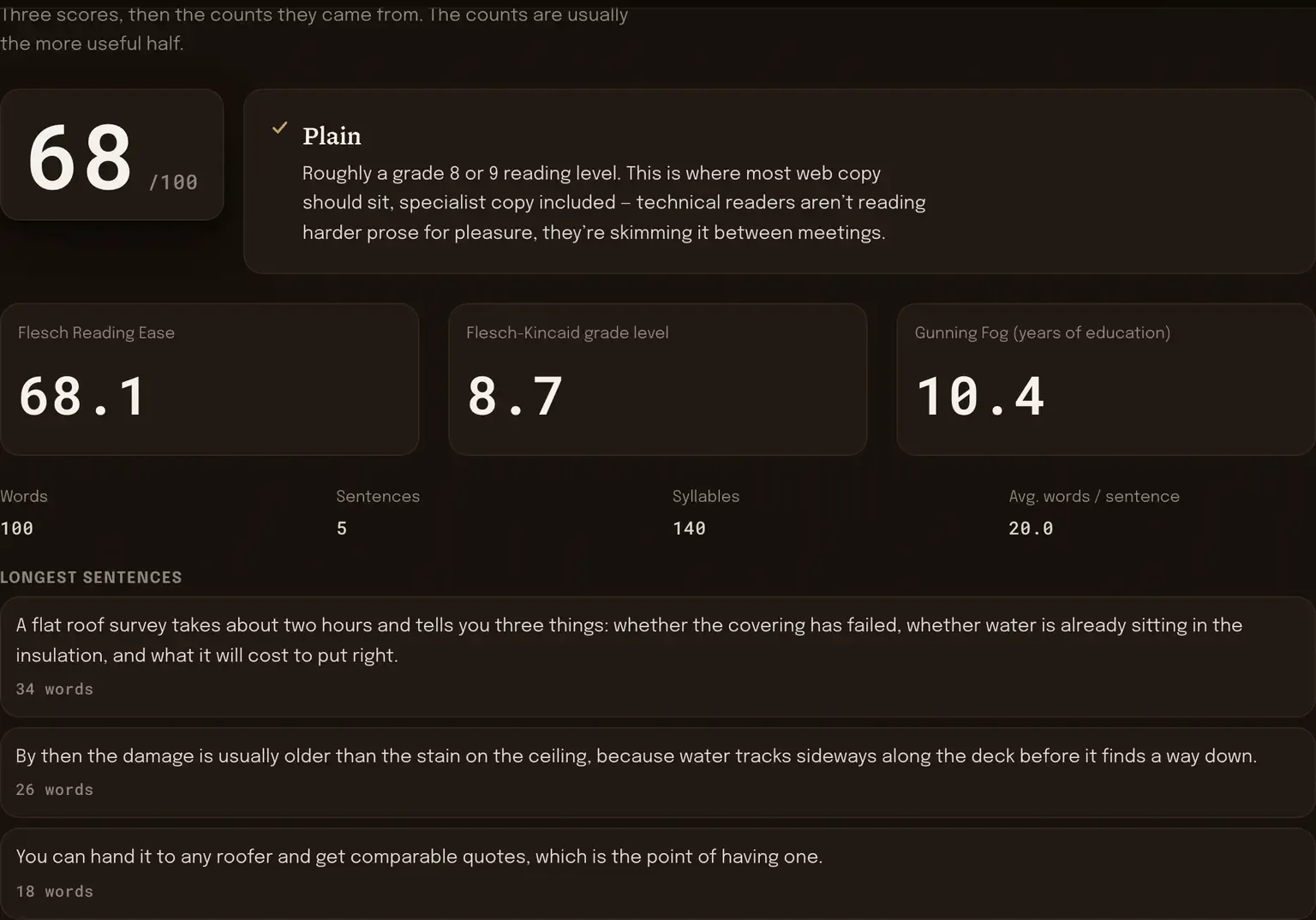
Readability scorer
Flesch Reading Ease, Flesch-Kincaid grade and Gunning Fog on text you paste, with the sentence and syllable counts the three scores are built from.
[ three indices ]
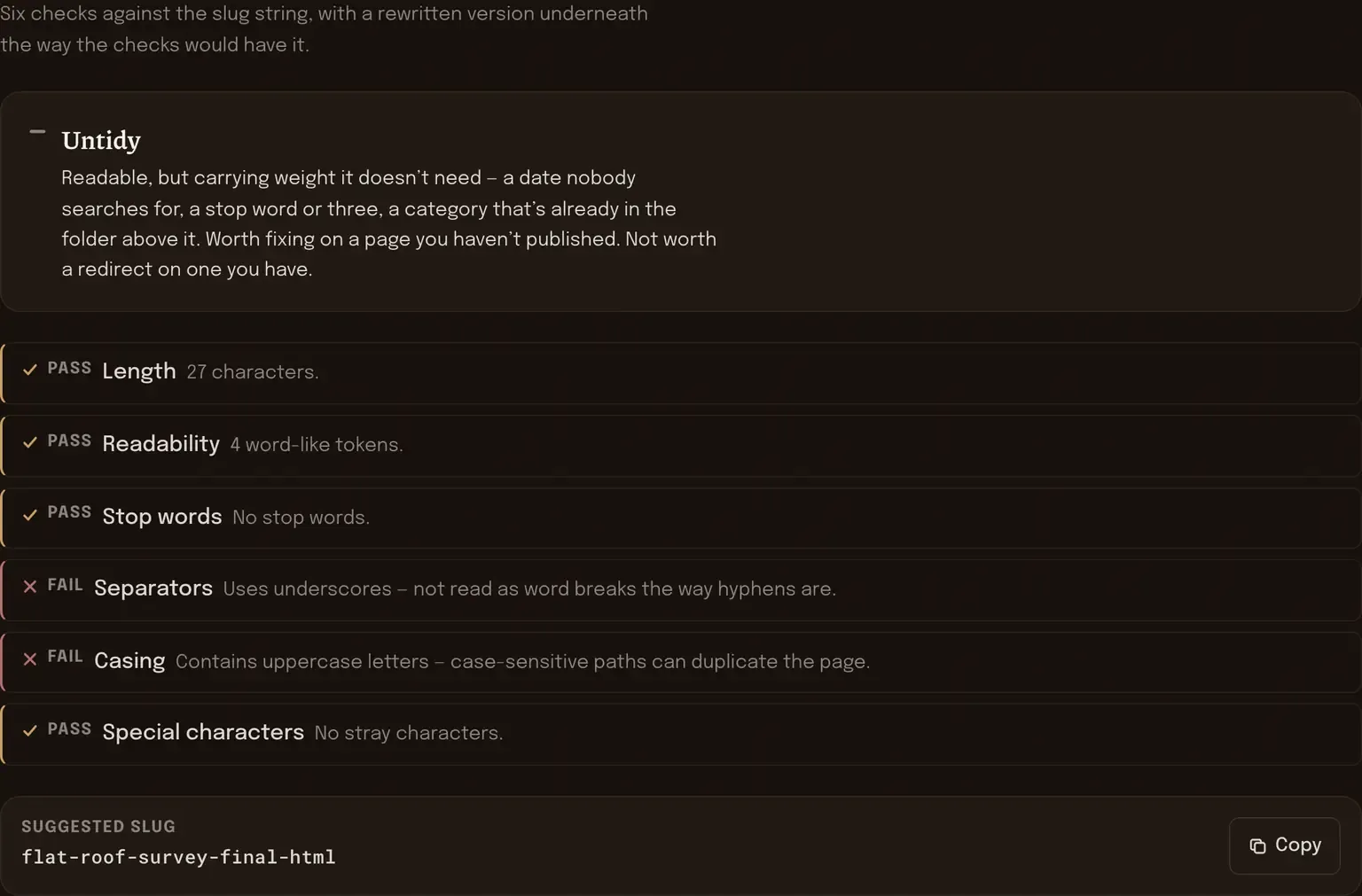
URL slug analyser
Paste a URL and it grades the slug string itself — length, readability, stop words, separators, casing, stray characters. It reads the address, it doesn’t visit it.
[ six checks ]
The question everyone asks first
Does what I paste in really never leave my browser?
It doesn’t, and the reason is structural rather than a policy I’m promising to keep. Each tool is a piece of JavaScript that the page downloads once. After that it runs in your own tab, on your own machine, reading the text straight out of the box you pasted it into. There’s no request that sends it anywhere, because there’s no endpoint on my side that would receive it.
You can check rather than take my word for it. Open your browser’s developer tools, switch to the network tab, and use any of the six. The page loads its files and then goes quiet. Nothing is written to local storage either, so closing the tab is the end of it.
There’s one consequence worth knowing about. It’s also why none of these will fetch a page for you. A browser can’t read a URL on another domain — that’s what CORS prevents — and the usual way around it is to send the address to a server that fetches it on your behalf. That would be a server receiving your data, so I don’t do it. Everything here works on what you paste in.
One page at a time is the limit
Each tool reads one thing: one block of text, one title, one slug. For a lot of quick decisions that’s enough, and you shouldn’t pay anyone for what a textarea can tell you in ten seconds.
What it can’t tell you is whether the same problem repeats across four hundred pages, or which of these six readings is actually costing you anything. That’s what The Diagnostic is — these six checks run together across a whole site, plus the things no browser tool can see, written up as a short list of what to fix and in what order. Pricing has what it costs.
And if one of the six hands you a reading you can’t place, info@seoelitetool.com works. No form, no sequence, just a reply.