What’s actually in your head tag?
Open a page, view source, copy everything between the opening and closing head tags, and paste it here. The tool pulls the tags apart and lays them out: title, description, canonical, robots, viewport, the Open Graph set, the Twitter card set, and any JSON-LD sitting in among them.
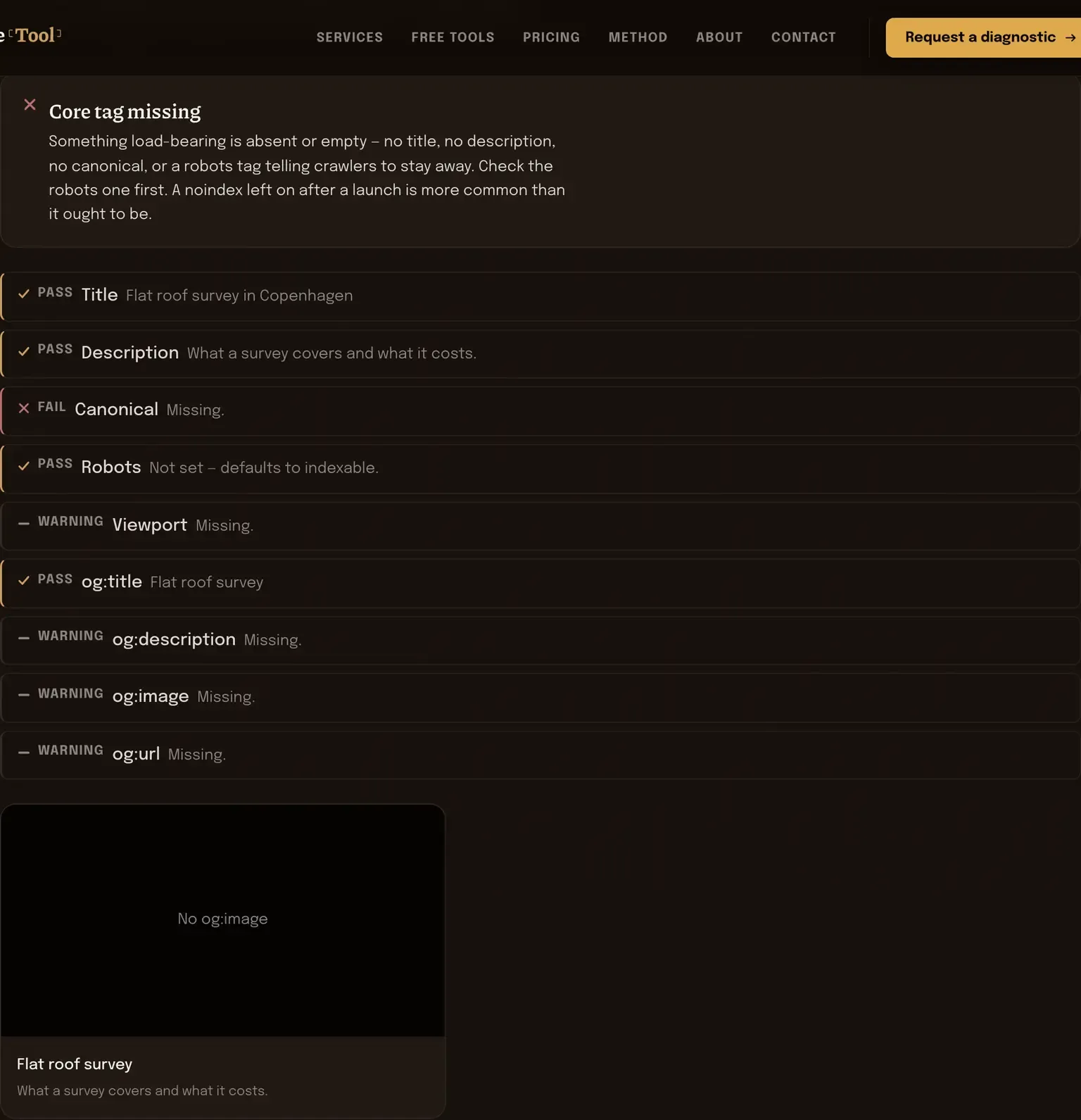
Then it tells you what isn’t there. A missing og:image is the usual one. The link gets shared, the preview comes up blank, and nobody notices for a year, because you don’t see your own links the way other people see them.
Nothing parsed yet. Paste your head markup, or fill the fields below it.
Reading the tag list
Work down the missing list in this order: robots, canonical, title, description, then Open Graph. A stray noindex outranks everything else on the page — if it’s there and you didn’t put it there on purpose, nothing else on the list matters until it’s gone.
Canonical is the one that goes wrong quietly. It should point at the page you’re on, in the form you want indexed: one protocol, one host, one trailing-slash convention. A canonical pointing at the homepage from every page is a real thing that happens when a plugin is misconfigured, and what it tells a crawler is that none of your pages exist except one.
For Open Graph, four tags carry the preview: og:title, og:description, og:image and og:url. The image is both the one most often missing and the one doing the most work, because a link with a picture on it gets looked at and a bare URL doesn’t. It has to be an absolute URL — a path starting with a slash won’t resolve, because the server fetching it isn’t your server.
Twitter card tags are mostly optional now. The platform falls back to Open Graph when they’re absent. Adding them is fine, leaving them out is fine, and it isn’t worth an argument.
One caveat to hold onto: this reads the markup you pasted, which is the markup that was in the source when you copied it. If your site injects tags with JavaScript after load, they won’t be in what you copied, and you’ll see them flagged as missing when they’re only late.
Where this runs
The parsing happens in your tab, using your browser’s own HTML parser on the string you pasted. Your markup isn’t uploaded and isn’t kept. It’s also the reason you have to paste the source yourself rather than hand over an address: a browser can’t read another site’s head for you, and routing that request through a server here would mean your URLs landing in somebody else’s log.
Two more from the head
One page by hand, four hundred by template
Missing tags are hardly ever a page problem. They’re a template problem, repeated. Technical SEO finds where the template is doing it and fixes it at the source. Technical SEO basics explains what each of these tags is for, if you want the background first.